How do I build a content calendar as a creator?
THE SHORT ANSWER
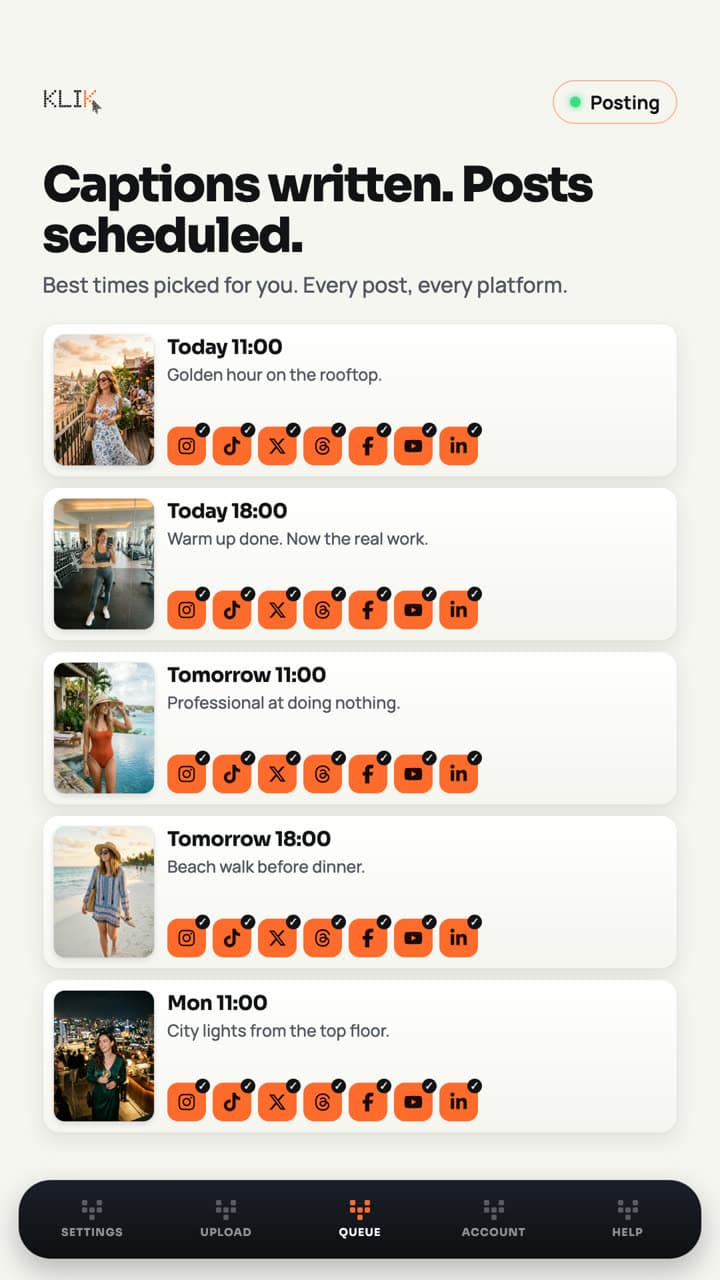
Build a content calendar by choosing three to five repeating themes and giving each one a fixed day. For example, a tip on Monday, a behind-the-scenes clip on Wednesday and a question-and-answer on Friday. Fixed themes mean you never start the week with a blank page. Keep the calendar simple enough to fit on one screen. A plan covering two weeks is plenty, since anything further out tends to be rewritten anyway.
Start free trial7 days free
What to do
- 1List the three to five types of post your audience likes most.
- 2Assign each type to a day of the week.
- 3Fill the next two weeks with one idea per slot.
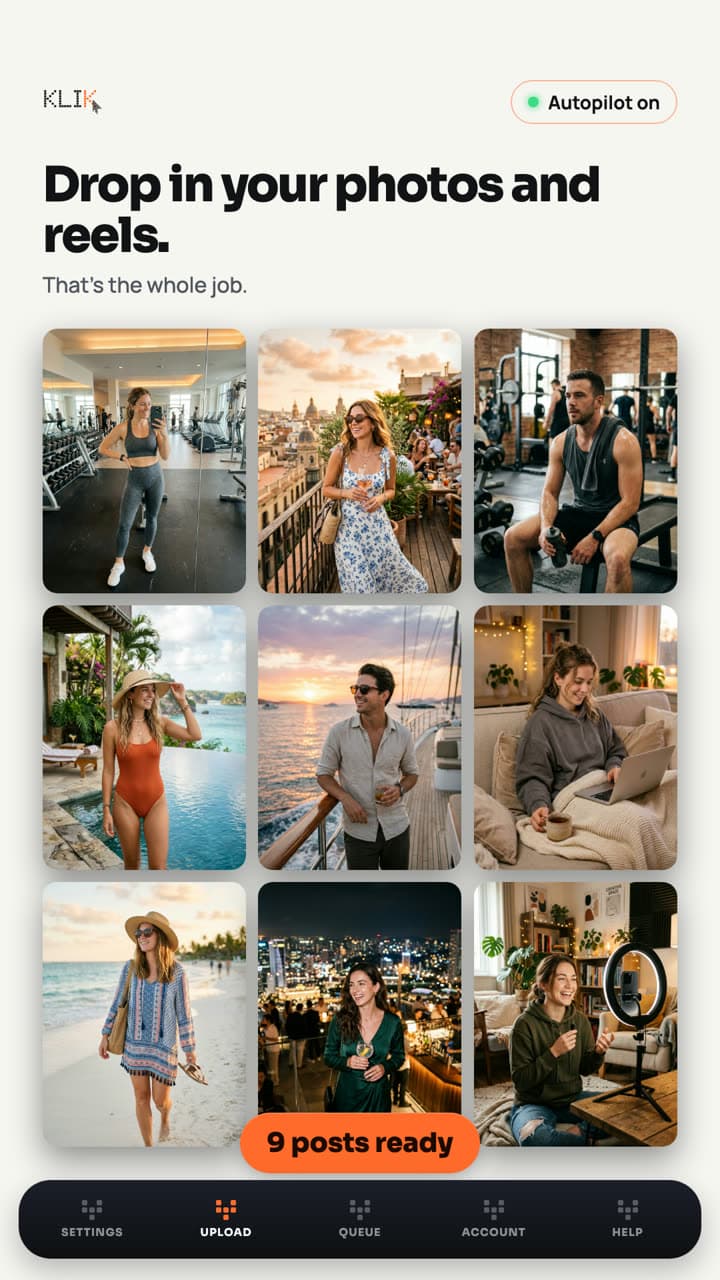
- 4Film the batch, then upload it all at once.
- 5Review every fortnight and swap out the weakest theme.
How KLIK does it
The common mistake
Building a detailed colour-coded plan for three months. Planning feels like progress, but nothing has been filmed.
WHERE KLIK FITS
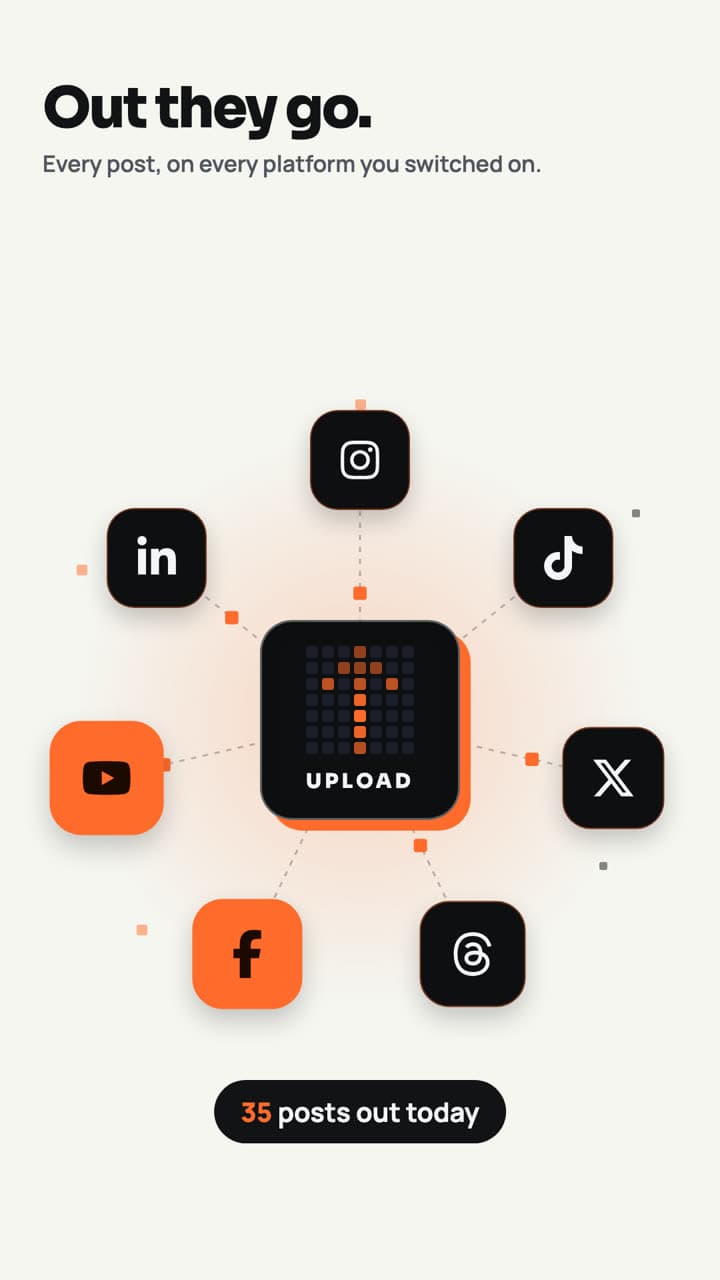
Once the calendar is decided, KLIK carries it out, posting what you upload at the rate you chose for each platform.